Utility Log console
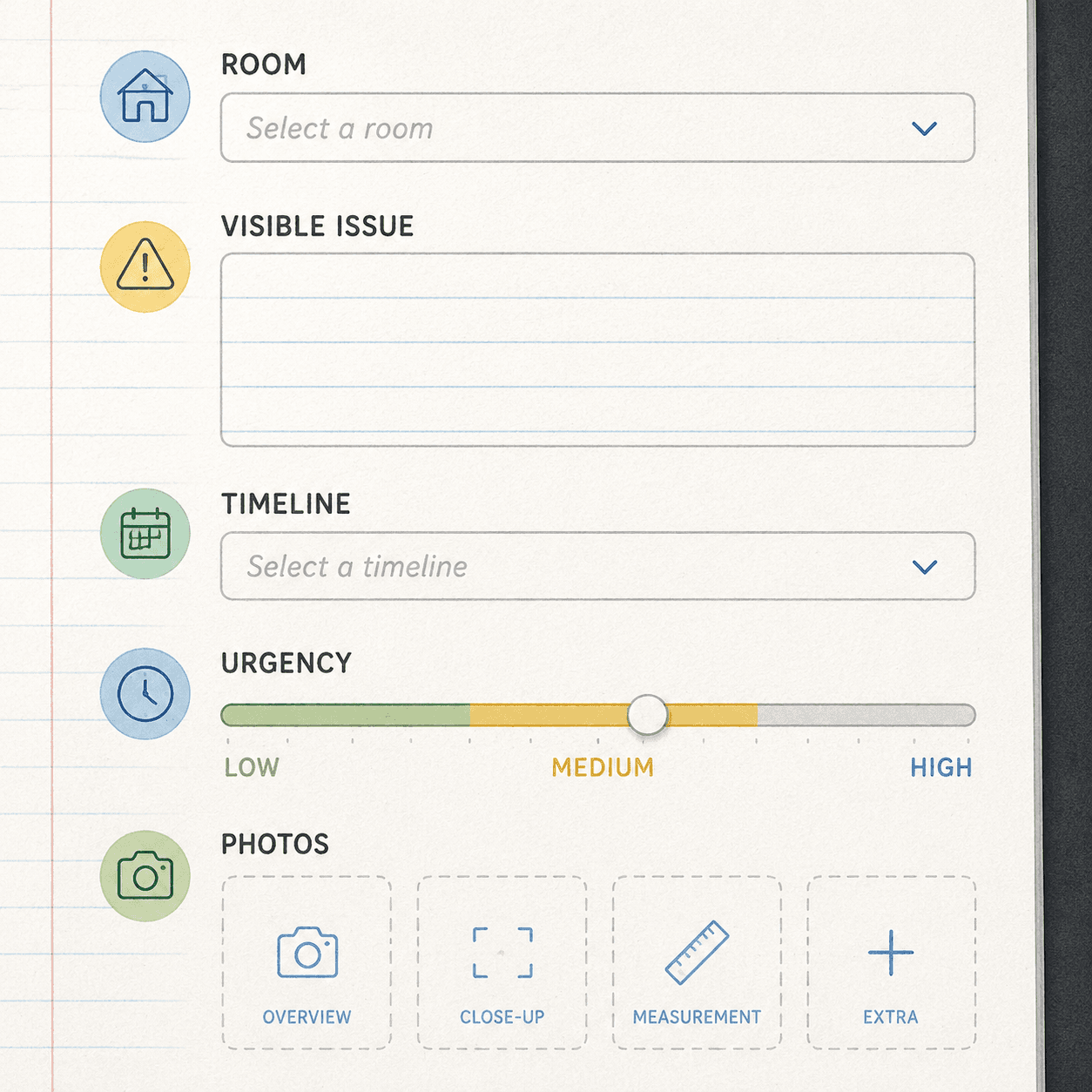
Enter what you can see in a room and what you need to ask a licensed professional. The console drafts a household maintenance record — not repair advice. Every field stays in your browser unless you choose to generate.
AI Disclaimer · AI outputs are household record and quote-prep drafts only; not repair advice, inspection, installation, safety certification, emergency service, or a substitute for licensed professionals.
Before you generate · AI outputs are household record and quote-prep drafts only; not repair advice, inspection, installation, safety certification, emergency service, or a substitute for licensed professionals.
Fill the note entry or load a sample, then press Generate record. Your maintenance record, question list, photo checklist, and reminders appear here.
Describe, don't diagnose
Record what you observe. The tool never tells you how to repair anything.
Brief a professional
Take the question list and photo checklist to a licensed tradesperson.
Keep the log
Export the record and update it after the visit for your household history.